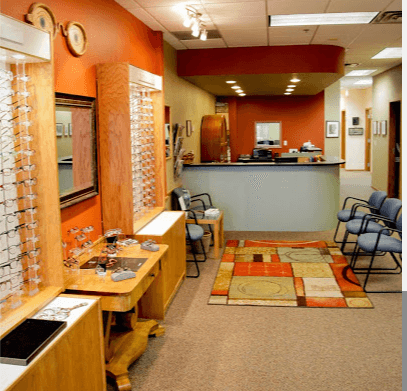
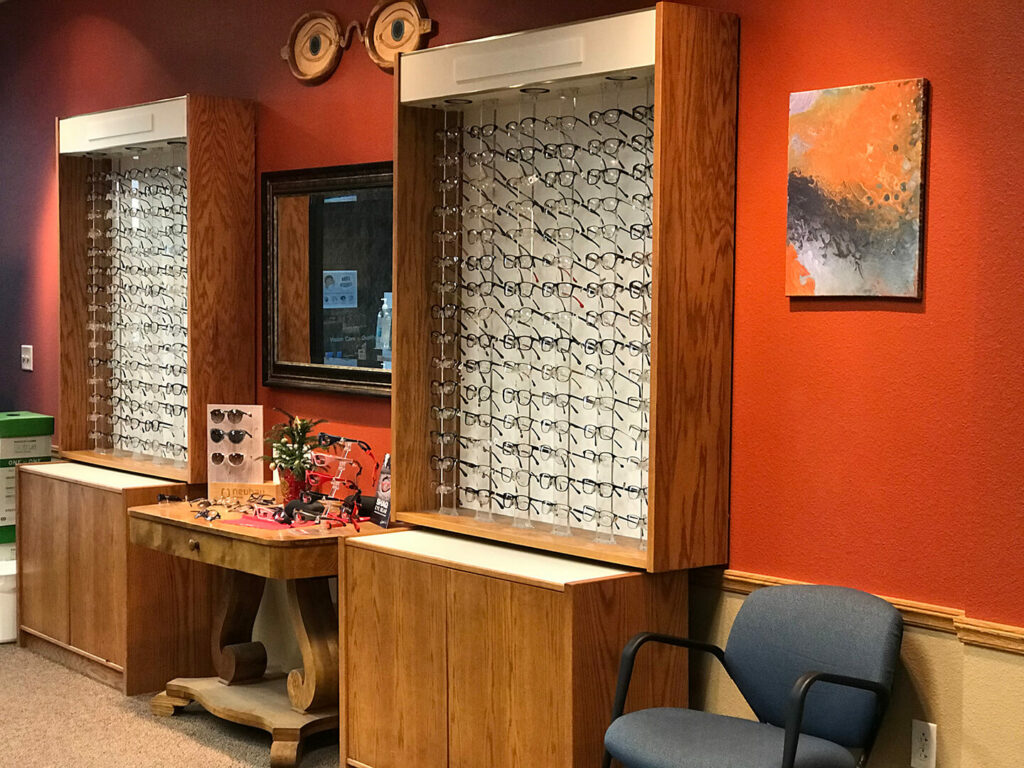
Every service and procedure offered at Sunrise Vision Care allows you to experience the freedom that comes from clear vision. Sunrise Vision Care has provided eye care to Boulder’s community since 1985. We focus on providing high-quality, personalized eye care and eyewear in a comfortable professional setting.
Our opticians, technicians and assistants are certified by the American Board of Opticianry (ABO) and the American Optometric Association Paraoptometric Section. We expand our knowledge of eye care, glasses, contact lenses, LASIK, and eye diseases with frequent continuing education.
Our proficiency in the latest ocular technology matched with over 35 years of experience equips us to properly assess, diagnose, and treat your eyes.
Visit our office to receive the care that you (and your eyes) deserve.
1692 30th Street
Boulder, CO 80301
Mon-Thu: 9:00am - 6:00pm, CLOSED 1:15pm - 2:15pm
Fri and Sat: 9:00am - 2:00pm
Sun: CLOSED
Book Now is for comprehensive eye exams only. Book Now
For all other appointments please request an appointment or call us. Request an Appointment





















1692 30th Street
Boulder, CO 80301
9835 S. Parker Road
Parker, CO 80134
12450 York Street
Thornton, CO 80241
4 Garden Center, Suite 100
Broomfield, CO 80020
10001 N. Washington Street
Thornton, CO 80229